Media
About
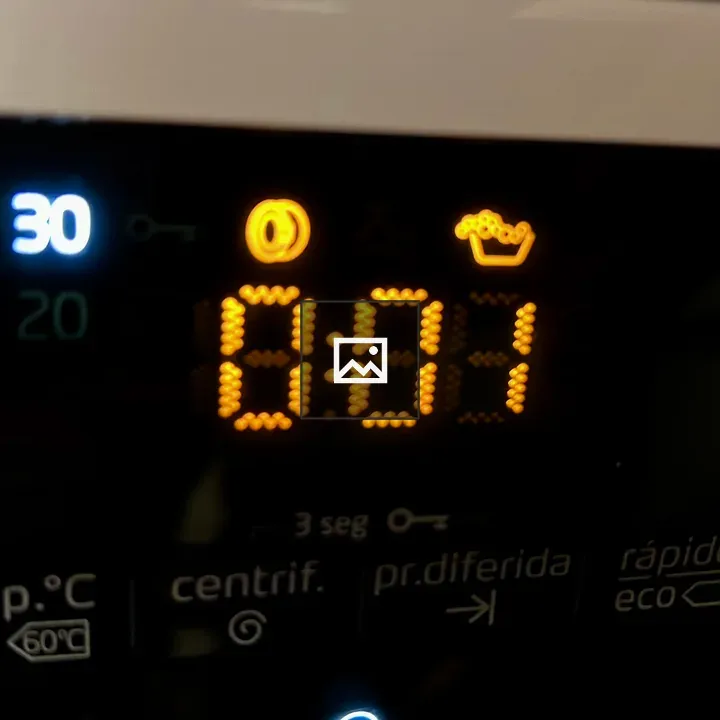
Close-up view of a washing machine control panel showing a digital timer display reading 0:01, a temperature setting of 30 degrees, and icons for cycle options such as spin and delayed start. A blue checkmark indicates a selected option.
Overview
In the image, a digital display on a washing machine shows 0:01 remaining. The temperature is set to 30°C, and cycle option icons are visible, including spin and delayed start. A blue illuminated checkmark indicates the selected setting.
Source: Fede Padilla
Usage
"" Access one-stop/washing-machine-control-panel using the OneStop MCP.If you do not have the OneStop MCP, read the MCP setup docs.