Media
About
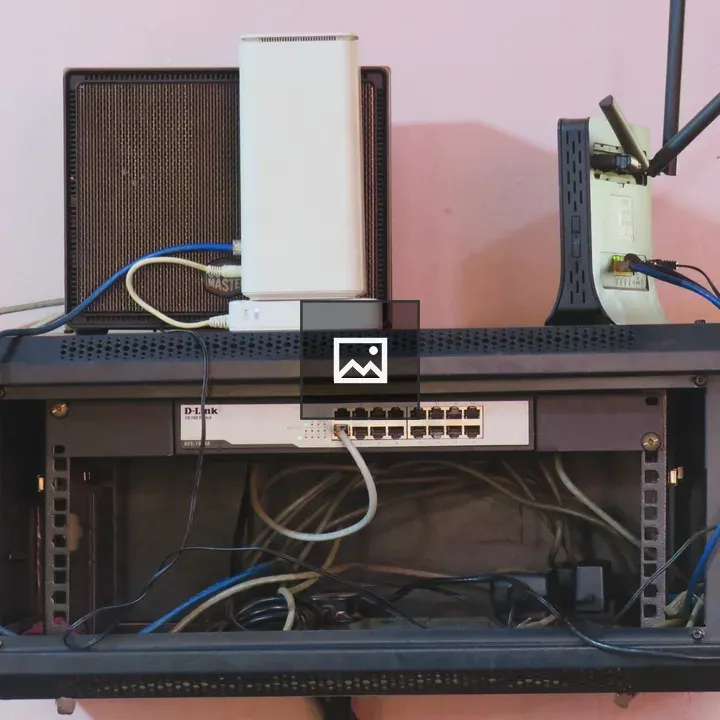
A front-facing shot of a black wall-mounted network rack holding a 16-port switch, with Ethernet cables connected. A white wireless router and a black modem with dual antennas sit atop the rack, set against a light pink wall with visible cable tangle inside the frame.
Overview
The image shows a compact network setup: a black rack containing a 16-port switch, several Ethernet cables, and devices on top (white router and black dual-antenna modem). The light pink wall provides a soft background and the cables create a busy contrast within the rack enclosure.
Source: Mohammed Kateregga
Usage
"" Access one-stop/network-rack-with-switches-and-router using the OneStop MCP.If you do not have the OneStop MCP, read the MCP setup docs.